
So , here we go , come with me .
1st Step .
Tekan butang "PrtSc" kt keyboard korang .

2nd Step .
Open "Paint" kt korg punyer desktop or laptop or mane2 je lha keyh :D
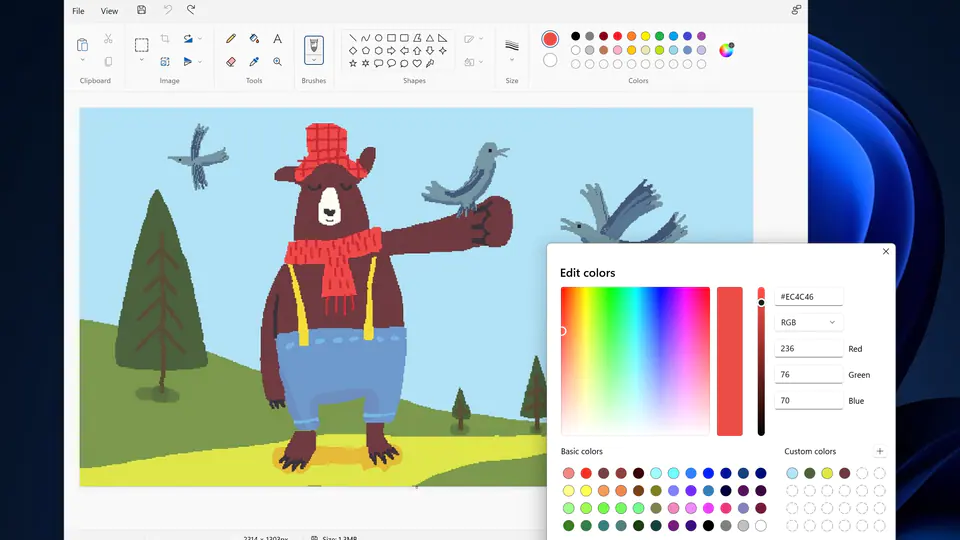
3rd Step
Pegi kt "Edit" then click "Paste"
4th Step
WALLA ! ttbe kuar gmbr desktop korang .
pepandailha crop sndiri and then save . pastu upload lha kat redt*be ke you***z ke ahaha :D

